How One Missed Renewal Can Disrupt Your Website, Business Email, and Customer Inquiries
Here’s something that’s easy to forget when you’re busy running a business: your domain needs regular renewal. Domain expiration can cause your website to stop working right when a potential customer needs it.
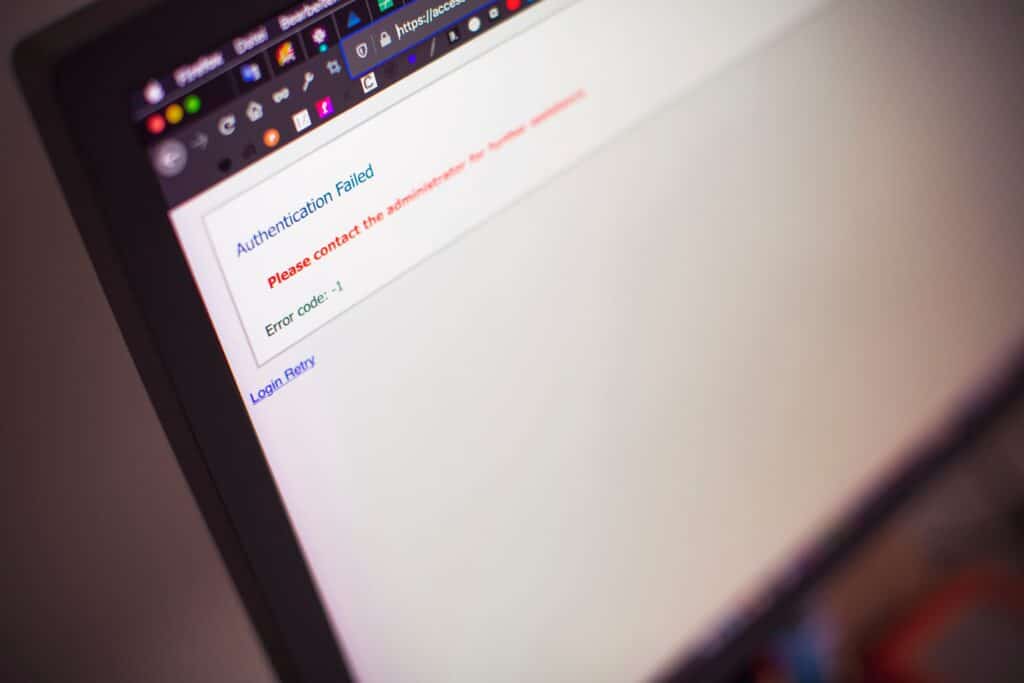
For Bay Area contractors, that can mean missed opportunities. Someone in Walnut Creek might find your company through Google, click your website to request an estimate, and end up staring at an error page instead. Meanwhile, a potential client could send an email that never reaches your inbox.
It’s a frustrating problem, especially when you’re busy managing projects, coordinating news, and keeping customers happy. Fortunately, a little preparation can help you avoid most of these headaches.
Not sure when your domain expires? Contact Tenaya360 for help reviewing your website setup.
What Happens When Your Domain Expires?
1. Your Website Might Go Offline
Your domain registration comes with an expiration date. Most registrars send reminders before that date, but those emails can easily get lost in a crowded inbox. Sometimes the payment method has expired, or the person who originally registered the domain no longer works for the company.
Once the registration expires, your website might continue working briefly, depending on your registrar. However, the registrar can suspend the domain or replace your website with a parking page
Think about it from a customer’s perspective. They find your contracting business online, click through to check your services, and discover that your website doesn’t load.
They probably won’t call to ask what happened. They’ll move on to another contractor.
2. Your Business Email Could Stop Working Too
Your domain often supports your business email news as well. If you use an address like info@yourbusiness.com, expiration can disrupt your ability to send or receive messages when your domain’s DNS settings stop working correctly.
That means you could miss estimate requests, project updates, or questions from existing clients.
Your email provider might operate separately from your domain registrar, but the two can still depend on each other. A missed renewal can create more problems than you’d expect from one small administrative task.
What Happens if You Keep Missing Domain Expiration Notices?
The longer you leave an expired domain unresolved, the harder recovery can become. The exact timeline depends on your registrar and domain extension, but here’s how the process often works.
3. The Grace Period After Domain Expiration Gives You Time to Act
Some registrars offer a grace period after expiration, allowing you to renew at the regular price. Your website or email might already have stopped working though, so don’t assume everything remains online.
If domain expiration catches you off guard, log in to your registrar account or contact its support team right away. Ask about the renewal deadline and any fees that apply.
4. The Redemption Period Can Cost You More
If your registrar deletes the registration, your domain may enter a redemption period. For many generic domains, this period lasts 30 days.
You may still have a chance to recover the domain, but the registrar can charge an additional restoration fee. Your website and email might remain unavailable until you restore the registration and check your technical settings.
There’s another concern after domain expiration: search visibility. If search engines cannot access your website for an extended period, your rankings could suffer. Recovery varies, so don’t assume a short outage will erase years of SEO work, but don’t ignore the risk either.
5. You Could Lose the Domain Completely
Miss the available recovery window, and your domain may enter a pending delete period. For many generic domains, this stage lasts five days. You generally cannot renew the domain through the usual process during this time.
Once the registry releases the name, someone else can register it.
Domain investors and automated services often pursue expired names. A new owner could demand a high price to sell yours back, or you might have to build your online presence around a different address.
How to Protect Your Business From Domain Expiration
The good news is that preventing this problem doesn’t take much effort.
Turn on automatic renewal. Keep your payment details current and check that automatic renewal remains active.
Use a business email address. Make sure renewal notices reach an inbox your company regularly monitors.
Set calendar reminders. Add alerts before expiration date so you have a backup if automatic renewal fails.
Keep account ownership clear. Your business should know who controls the domain and how to access the registrar account securely.
Check your website regularly. Test your contact forms, email, and website to catch problems before customers do.
These steps become even more useful as your team grows and responsibilities shift between employees or outside providers.
How Tenaya360 Helps Your Business Grow
Getting your website online feels like a major milestone, and it should. But keeping it useful as your business grows takes ongoing attention.
Tenaya360 helps businesses look beyond launch day and build an online presence that supports their changing goals. Website improvements, performance checks, useful content, and SEO can help you keep up with customer expectations as your company expands.
Want to see what that work looks like? Browse our projects and read client reviews.
If you need help improving your website or planning your next stage of growth, get in touch with Tenaya360.
Take a Few Minutes to Check Your Domain Expiration Date
Your domain might cost relatively little each year, but domain expiration can disrupt customer inquiries, business email, and online visibility.
Take a moment to check your expiration date. Confirm that your company controls the account, update your payment details, and enable automatic renewal.
It’s a small task that can save you a much bigger headache later.
-Jack